Situations
Party bingo without the printer: baby showers, weddings and film nights
Everyone gets a card of things bound to happen. The party does the calling.
· 6 min read
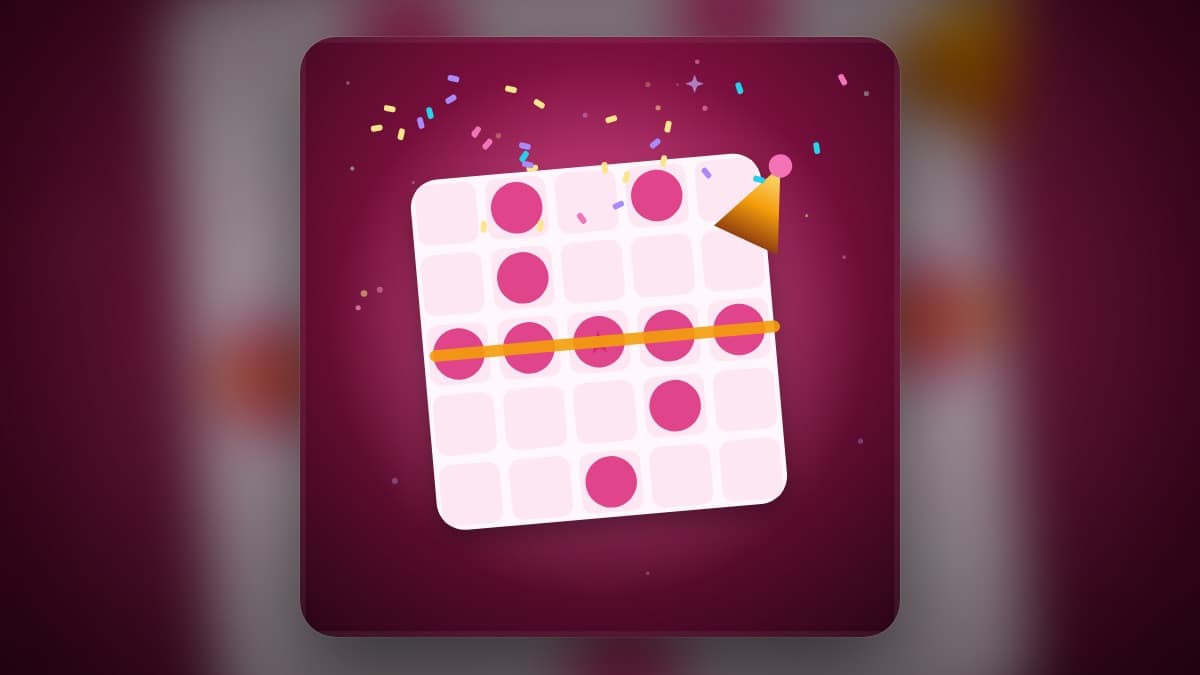
Bingo where nobody has to be the caller
Occasion bingo is a simple, good idea: instead of numbers, every square on the card is something that is bound to happen at this particular party. At a baby shower the squares are the gifts — tiny socks, a pack of nappies — and the moments, like someone guessing the due date. At a sangeet they are the dance-off and the aunty who drags someone onto the floor. During a Christmas film they are the snow falling on cue.
The usual version needs printed cards, pens, and somebody keeping track of what has been called. Party Bingo puts the card on each guest's phone and lets the party call itself: when you see one of your squares happen, you tap it, and it is called for everyone.
Baby shower bingo, step by step
Pick the baby shower pack before the start. Every guest gets a different five-by-five card with a free centre. As the gifts are opened, whoever spots one on their card taps it — "A soft toy elephant!" — and every card with that square is marked at once. A line across, down or diagonally wins the first prize; a full card wins the second.
Two small rules keep it fair. A square can only be called once, and each player can only call one square every few seconds, so one enthusiastic aunt cannot fill her own card in a burst. If someone calls a gift that was not actually opened, the host can undo the last call.
The other packs, and your own squares
There is a pack for each kind of occasion, and a host can mix two if a party is both. Every pack has more squares than one card needs, so two guests' cards are never the same and a second game looks different from the first.
The best squares are usually the ones only your family would write — the uncle's favourite joke, the cousin who is always late. The host can add the group's own squares before the start, and they go onto the cards alongside the pack.
| Pack | For | Example square |
|---|---|---|
| Baby shower | Gift opening and the moments around it | Someone guesses the due date |
| Wedding and sangeet | Mehendi, sangeet, reception | A dance-off breaks out |
| Christmas films | A film night | Snow falls on cue |
| Holiday dinner | Thanksgiving or Christmas at the table | Grandma's recipe debate |
| Big game | A Super Bowl or final party | The half-time show starts |
| Road trip | The car | A wrong turn |
| Diwali evening | A family Diwali | Kaju katli disappears first |
| Any party | Anything else | Someone asks for the Wi-Fi |
Why it works better than paper
Paper occasion bingo usually fizzles in the same way: half the guests forget to mark their cards, nobody is sure what has been called, and a winner is declared ten minutes after they actually won. On phones, every card is marked the moment a square is called, and the app knows exactly who has a line — though you still have to press BINGO to claim it, which is the fun part.
Late guests can join mid-game, and it works for two people or thirty. Pair it with Who Knows Best? for the round where everyone guesses the mum-to-be's answers, or with Tambola for a family that wants classic number bingo with a caller. The office version, for buzzwords in a real meeting, is Meeting Bingo.
Questions people ask
How do you play baby shower bingo?
Each guest gets a card of gifts and moments a shower usually has. When something on your card happens — a gift is opened, the due date is guessed — you mark it. First line wins, then a full card.
Do I need printable bingo cards?
Not with Party Bingo. Each guest has their own card on their phone and the app marks it.
Can I add my own bingo squares?
Yes. The host can type the group's own squares before the start and they are mixed into the cards.
How many people can play?
Two to thirty, and late arrivals can join a game already under way.
The games in this post
Party Bingo
Bingo for the party itself: tap the gift, the toast or the ad when it happens, and race to a line.
- Call friendly
Who Knows Best?
One player answers about themselves in secret. Everyone else guesses. Find out who really knows the birthday girl.
- Call friendly
- High energy

Meeting Bingo
Buzzword bingo for a real meeting: tap the phrases you hear and race to a line.
- Call friendly
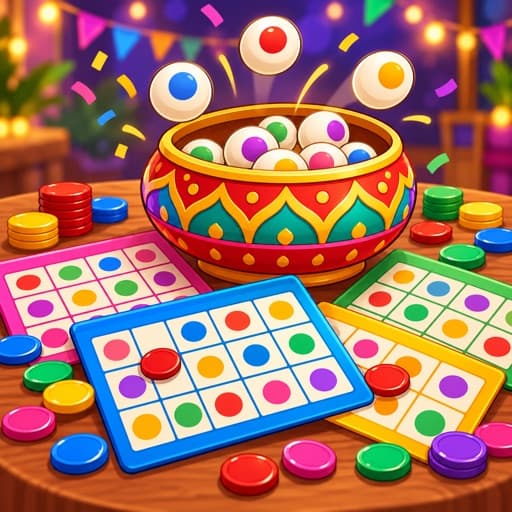
Tambola
Housie with auto-called numbers and instant claim checks.
- Call friendly
- High energy
More like these on Games for Family.
Free tools for these games
Ready to try it?
Start a room in a few taps. No account, nothing to install.